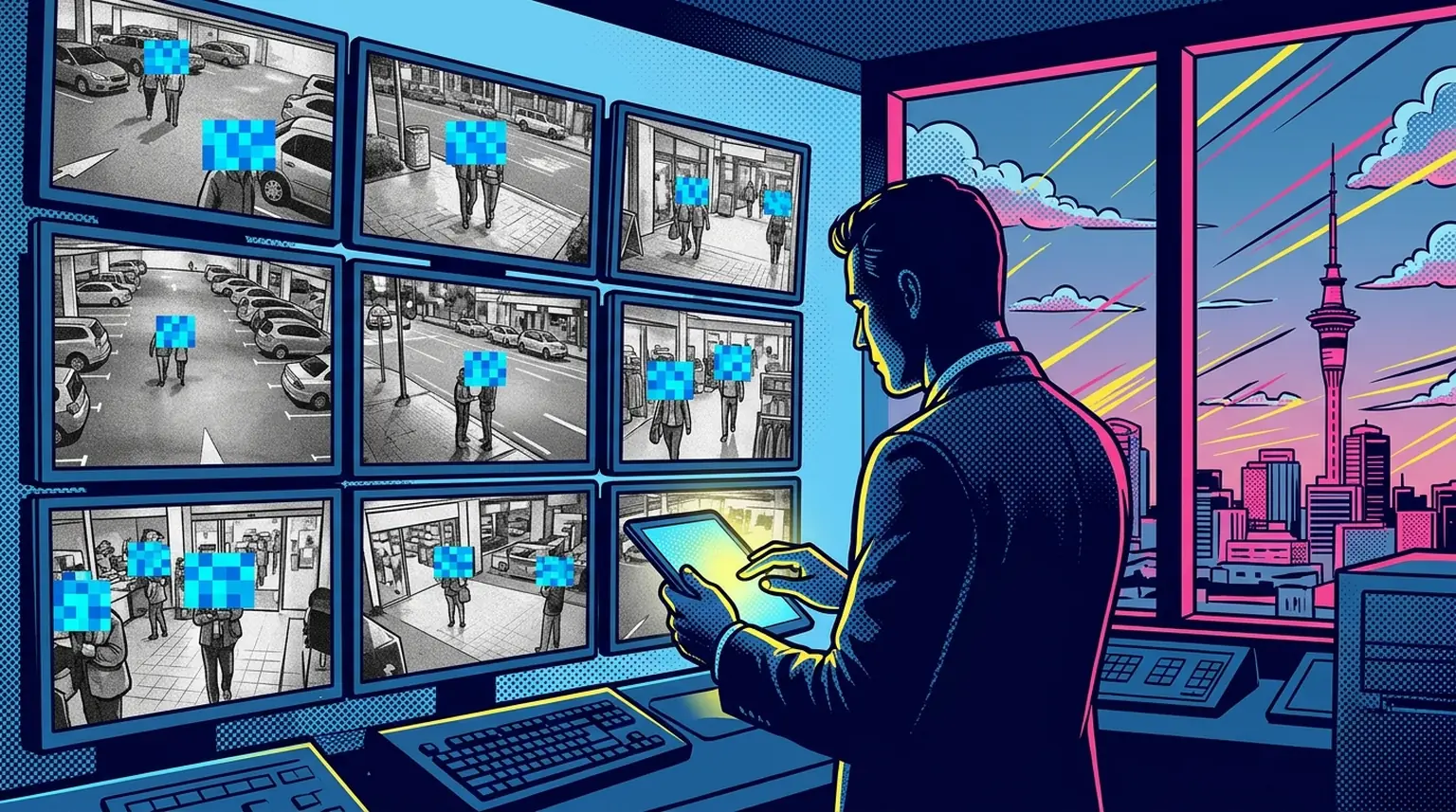
Professional video redaction for law firms, insurers, employers and HR teams. Face blurring, number-plate pixelation, bodycam and dashcam redaction for Privacy Act requests, court exhibits, insurance claims and internal investigations. Your footage is processed locally in Auckland and never uploaded overseas.
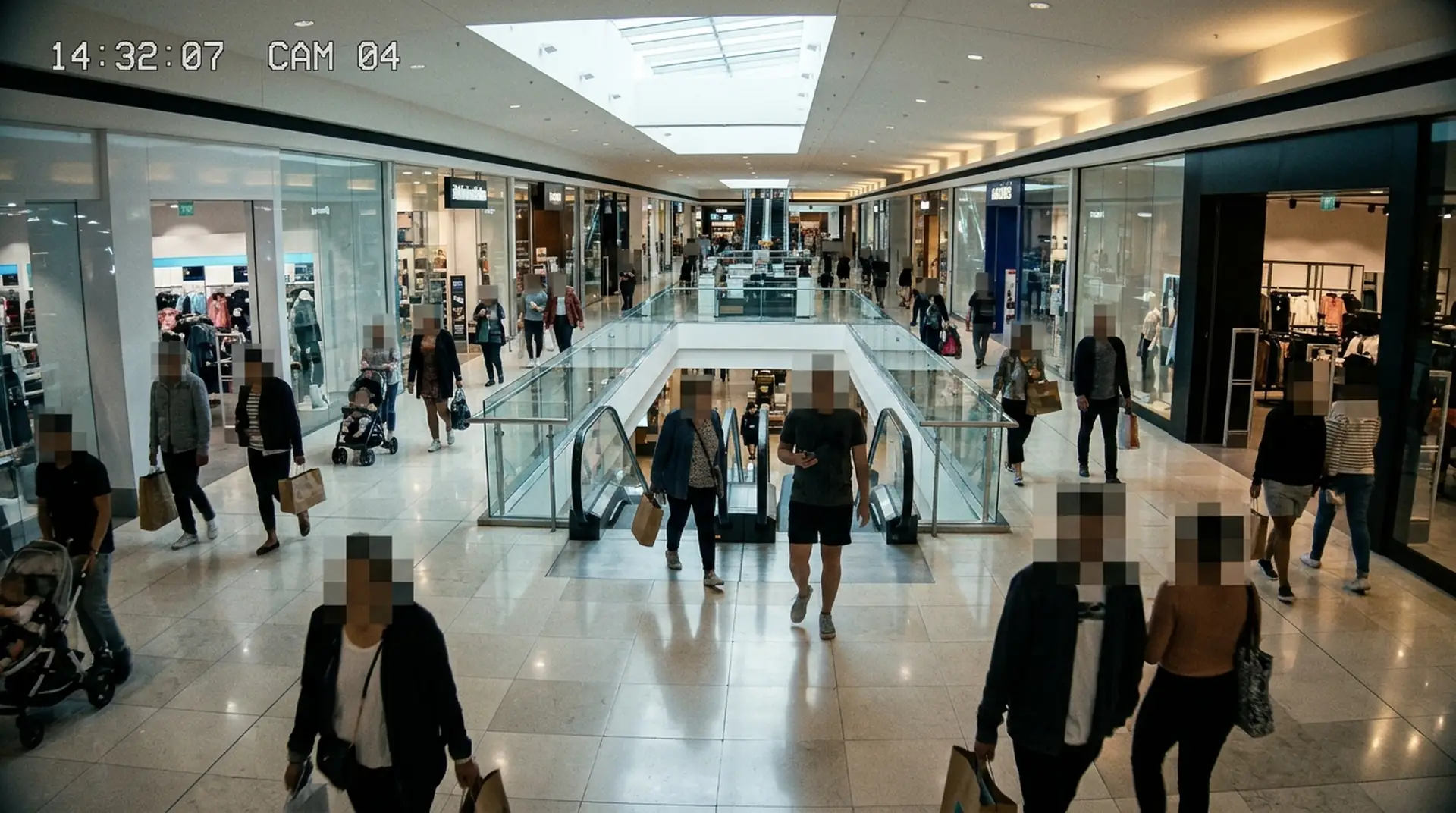
You've got footage. Someone's lawyer, HR team, insurer or Privacy Officer has asked for a copy — but you can't just hand it over with everyone else's faces in it.
We’re the specialist NZ team that redacts it for you. Faces, number plates, name badges, computer screens, uniforms, tattoos, audio — whatever needs to come out before the footage can be released. Delivered as a clean MP4 you can send with confidence, with an audit trail if you need one for compliance.
CCTV, bodycam, dashcam, phone footage, Zoom recordings, interview tape — we work in all the formats your NVR spits out, including the proprietary ones. The clock on these requests is usually tight; most jobs come back same-day or next-day.
Pixel mosaic or Gaussian blur, tracked frame-by-frame so it stays on the face through turns, movement and multiple people. Clean-plate style, not jittery.
Blur licence plates in vehicle footage, dashcam or CCTV. Also street signs, address numbers and any identifying signage you need obscured.
Blur computer monitors, laptops, phone screens, ID cards, name tags, patient charts and any documents caught in frame.
Beep out names, addresses, phone numbers or medical details so the audio track is release-safe without losing the context that matters.
Police, security, insurance, delivery and fleet footage — we handle the shake, low light and odd aspect ratios these cameras produce.
Hikvision, Dahua, Hanwha, Avigilon, UniFi, Milestone — if your NVR exports it, we can open it. We'll also convert to court-ready MP4.
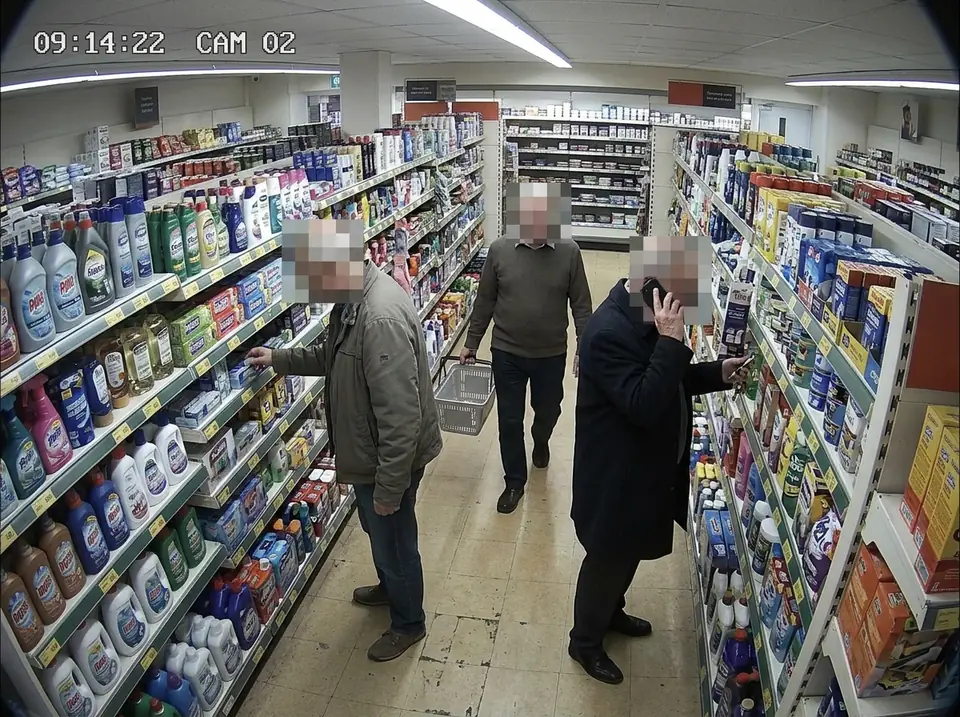
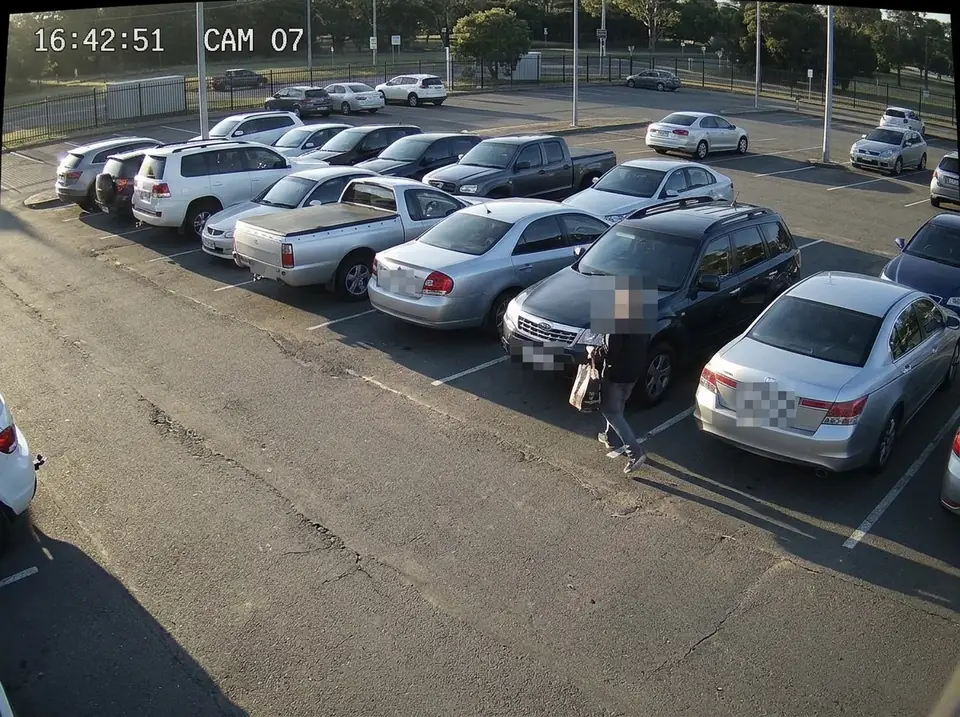
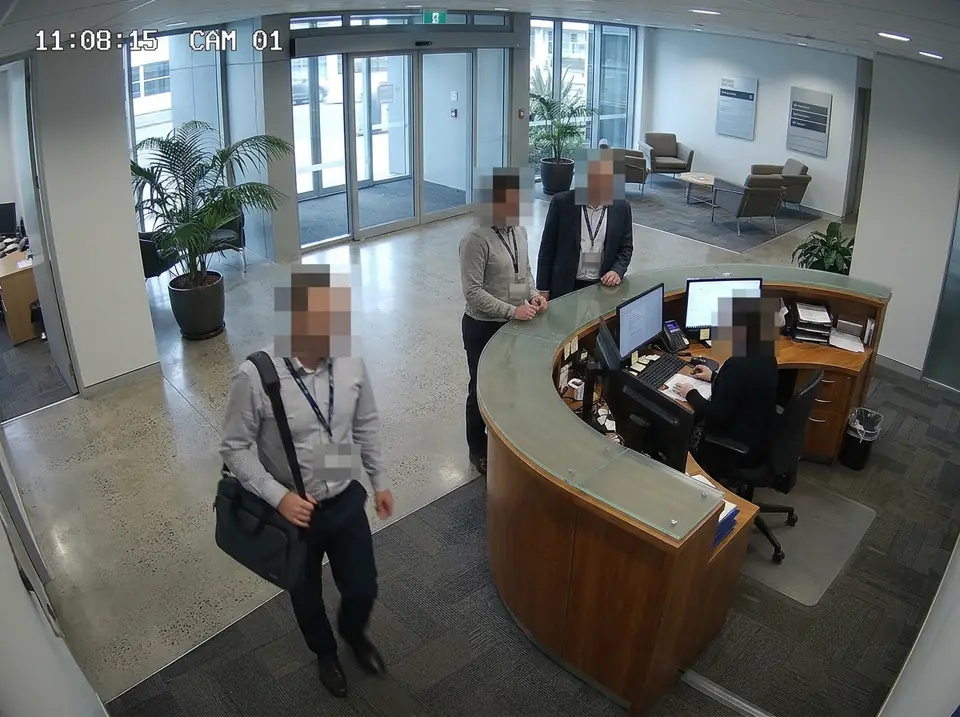
Principle 6 of the Privacy Act 2020 gives any New Zealander the right to request a copy of personal information you hold about them — CCTV footage included.
If other people appear in the frame, you can’t hand the raw file over. But you also can’t refuse the request outright. The answer is targeted redaction: blur the people who aren’t the requester, keep the requester’s own footage intact, and release a clean copy with confidence. Same story for employment investigations, insurance claims, subpoenas, OIA requests and court exhibits.
We’ve done this for law firms, HR teams, body corporates, retailers, fleet operators, hospitality groups and public-sector clients. We know what a defensible redaction looks like and what shortcuts to avoid.
All redaction happens on our own machines in Auckland. Footage never gets uploaded to an overseas AI service. Encrypted at rest, deleted on delivery unless you ask us to keep a copy.
We know the Privacy Act 2020 framework, the difference between a Principle 6 request and an OIA, and what defensible redaction actually looks like when a lawyer reviews it.
Most single-clip jobs come back same-day or next-day. Bigger batches are quoted with a realistic deadline, not a hopeful one.
Optional before/after log, redaction notes and chain-of-custody documentation if your compliance team or the court needs to see the working.
Fill in the form with the clip length, how many people are in frame and your deadline. We reply with a fixed quote — usually in under two minutes during NZ business hours.
You send the raw footage via our encrypted upload link. No public cloud, no overseas transfer. Large multi-GB files are fine.
We identify every face, plate, screen or badge that needs to go. Each subject is tracked frame-by-frame so the redaction stays locked on through movement.
Pixel mosaic, Gaussian blur or solid black-box — whichever your lawyer or requester prefers. Audio redaction added on the same pass if needed.
We send a watermarked preview for you to check before we export the final. One round of tweaks included — "also blur the person who walks in at 1:42".
Final MP4 (plus optional audit log) delivered via secure link. Working files deleted off our systems on your say-so, with written confirmation if you need it.
Straight answers to the questions law firms, HR teams and Privacy Officers ask us most. Don’t see what you need? Just ask us.
Send us the raw file and tell us who to blur. We track each face frame-by-frame, apply a solid mosaic or blur mask, and deliver a redacted MP4 that keeps the rest of the footage intact. Most jobs come back same-day or next-day. You can do it yourself with editing software, but tracking a face through 30 minutes of CCTV with multiple people in frame is a slow, error-prone job — which is why most lawyers and HR teams outsource it.
Not usually. Under the NZ Privacy Act 2020 you can’t hand over identifiable footage of third parties without a lawful basis. Redacting the other faces — plus number plates, name badges and identifying audio — is the standard way to comply with a Privacy Act information request while still giving the requester the footage they’re entitled to.
Give us the raw footage and tell us who the requester is. We’ll redact every other identifiable face, licence plate, name badge and any identifying audio, then deliver the redacted copy for your release. If you need a defensible paper trail, we’ll include a redaction log and a chain-of-custody note so your Privacy Officer or lawyer has the working.
Pricing depends on three things: footage length, how many faces or plates we need to track, and the turnaround you need. Short single-clip jobs typically start in the low hundreds. Longer or multi-source batches get a batch rate. Send us the file and we’ll quote back fast — usually in under two minutes during NZ business hours.
All redaction is done locally by our Auckland team on our own machines. Footage is never uploaded to a third-party cloud service for AI processing. Files are stored on encrypted drives and deleted after delivery unless you ask us to keep a working copy. This is why law firms and HR teams send us sensitive material rather than DIY-ing it on a laptop.
Standard exports (MP4, MOV, AVI, MKV), bodycam and dashcam files, proprietary NVR formats (Hikvision, Dahua, Hanwha, Avigilon, UniFi, Milestone and most others) and phone footage. If your NVR exports in a format you can’t open, send it to us anyway — we’ll work it out and convert to a court-ready MP4.
Yes. On request we provide a redaction log (what was blurred, where, by whom), a before/after reference and a chain-of-custody note covering receipt, processing and destruction of the working files. Useful when the redacted footage is going into a court exhibit, an Employment Relations Authority matter or a formal Privacy Commissioner response.
Yes — bodycam, dashcam, security-officer footage, delivery-driver cams, incident recordings from retail and hospitality, and insurance-claim material. We’re comfortable with the low-light, wide-angle and shaky footage these cameras produce.
Tell us the clip length, roughly how many faces or plates need to come out, and your deadline. We’ll reply with a fixed quote and a secure upload link — usually inside a couple of minutes during NZ business hours.